Features/Through the day
Jot it down.
The page can wait.
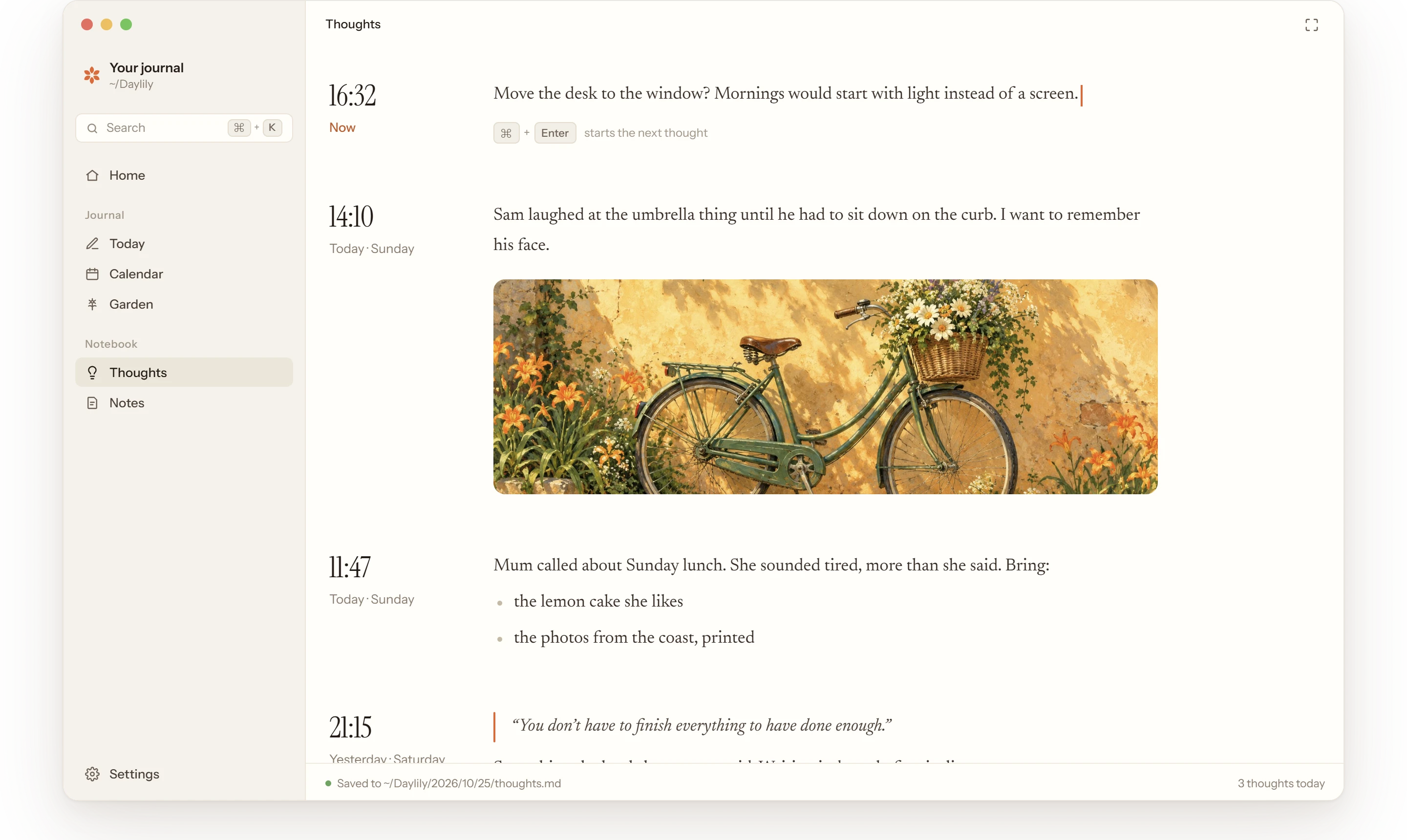
Anything that comes to you during the day: a link to read later, something to pick up on the way home, a paragraph you need to paste somewhere safe, a line someone said. Write it down, press ⌘ + Enter, and get back to your day.
How it works
Catch it, then carry on.
Thoughts sits in the sidebar’s Notebook. Open it whenever something comes to you, write a line or a page, and close it again.
 01
01Anything goes.
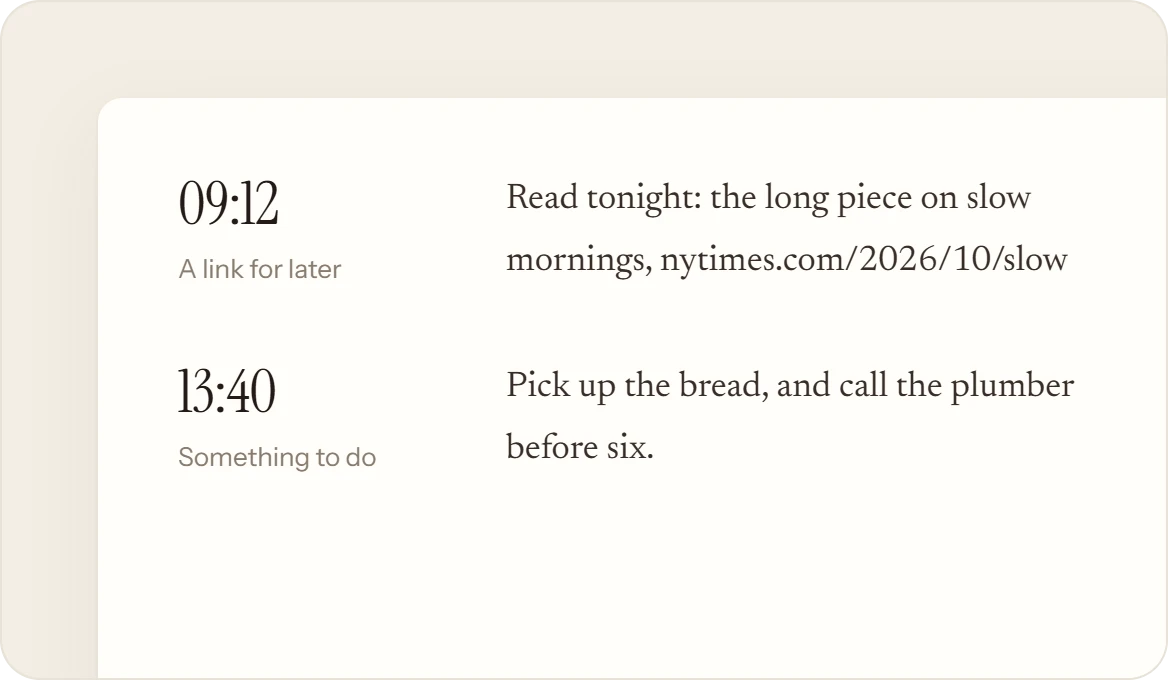
A link you want to read tonight, a door code, a reminder to call the plumber, a recipe you copied, an idea for the weekend. If it’s on your mind, it fits. Each one keeps the time it came.
 02
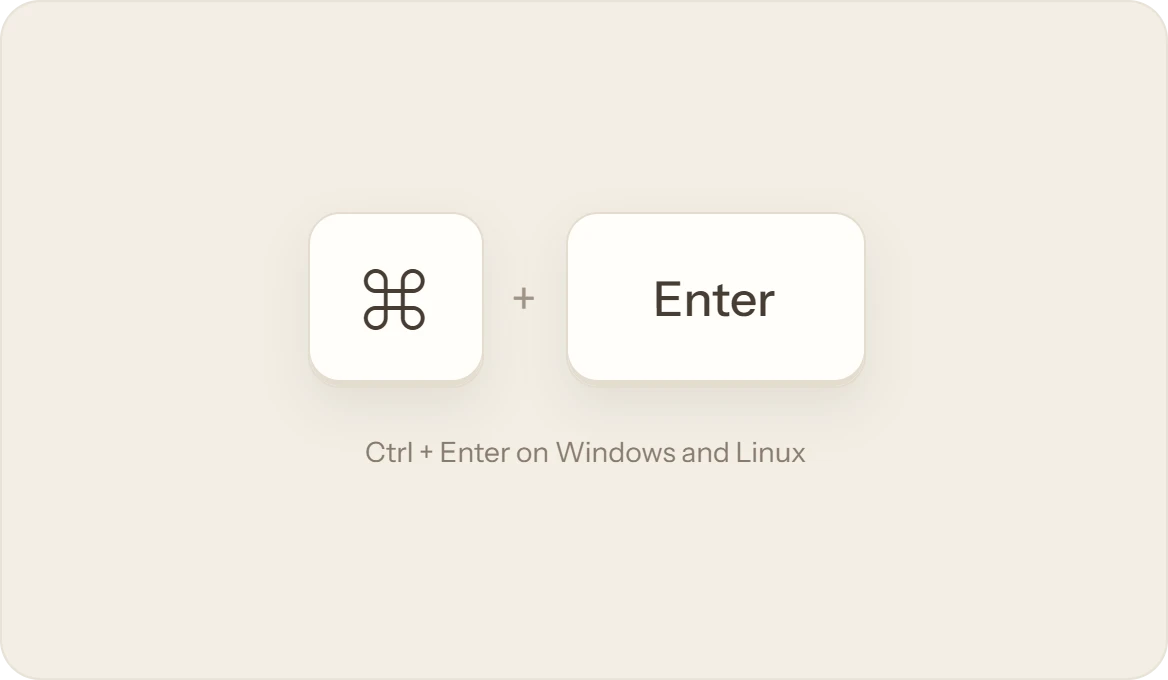
02One key, and the next begins.
Write, press ⌘ + Enter, and a fresh thought opens at the top, from anywhere on the screen. Today always keeps one waiting for its first word.
 03
03Change it anytime.
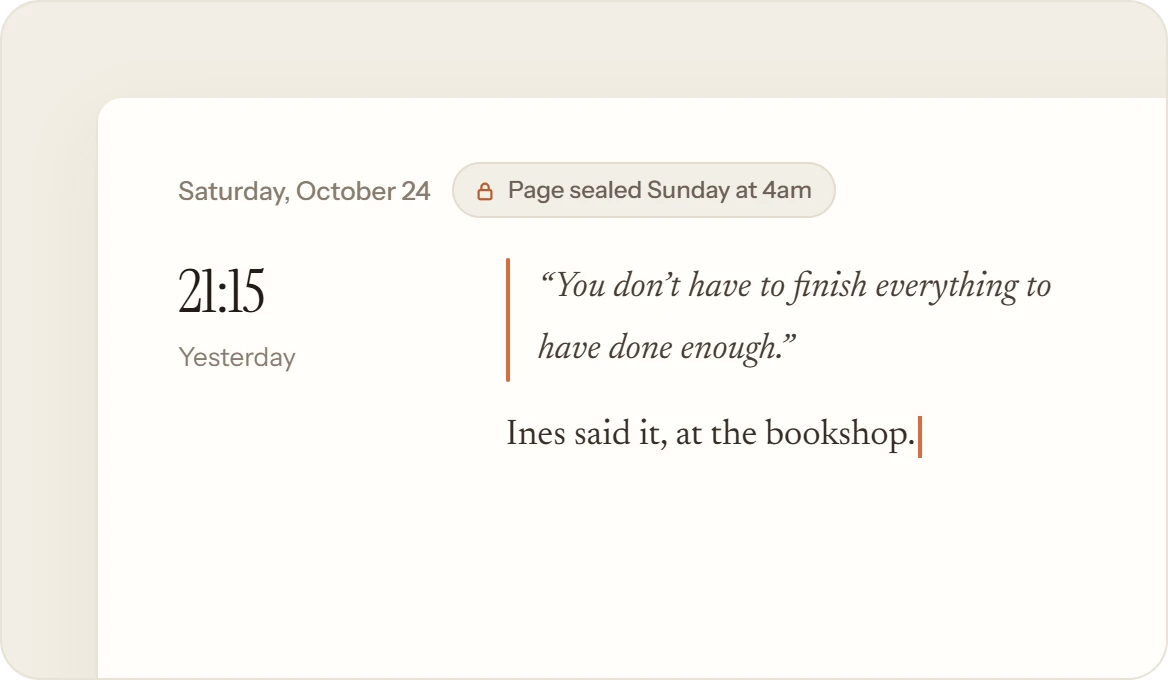
Thoughts never seal. Tick off the plumber, fix a typo in last week’s idea, or delete a reminder once it’s done. Empty a thought and leave it, and it’s gone.
 04
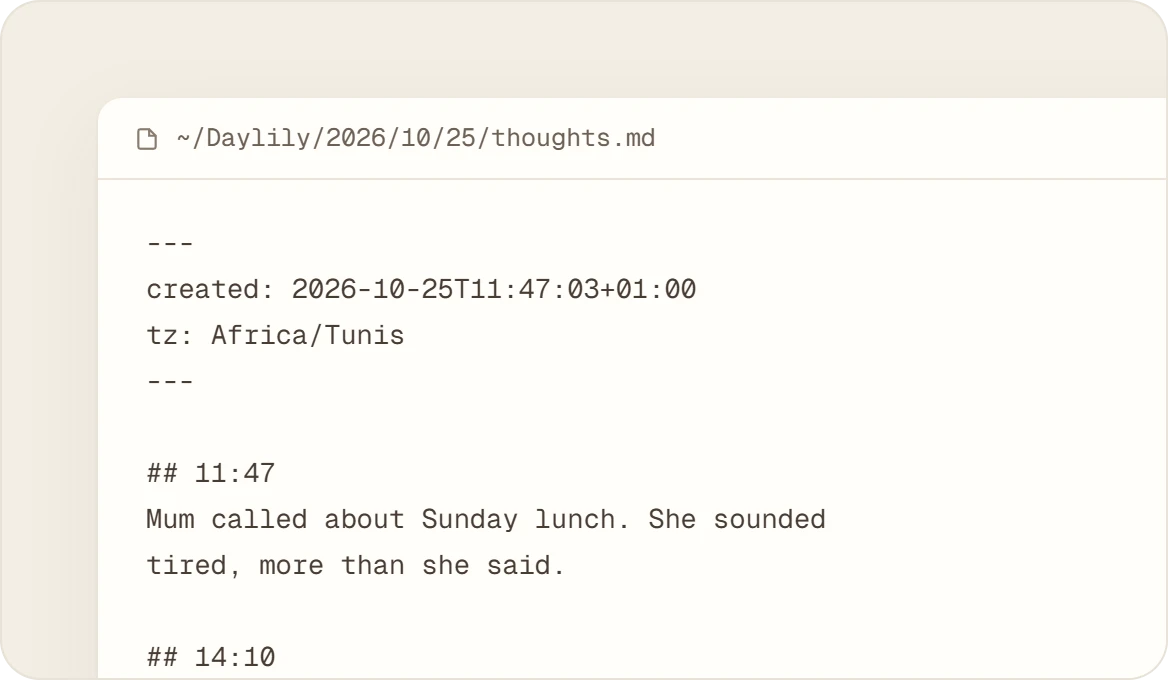
04Plain text, easy to find.
They’re kept in thoughts.md in the day’s folder, each under its time, pictures beside them. Forgot when you saved that link? Search finds every thought on its own.
What it isn’t
Not a to-do list.
Thoughts are for the moment. What you want to keep goes in Notes, and the day itself goes on the page.
- Folders, tags or due dates. When a list is worth keeping, give it a note.
- A written day. Thoughts alone grow no flower; the page is where a day is told.
- Something to keep up. Write ten in a day, or none for a week.