Features/Over the years
Type a word.
The day comes back.
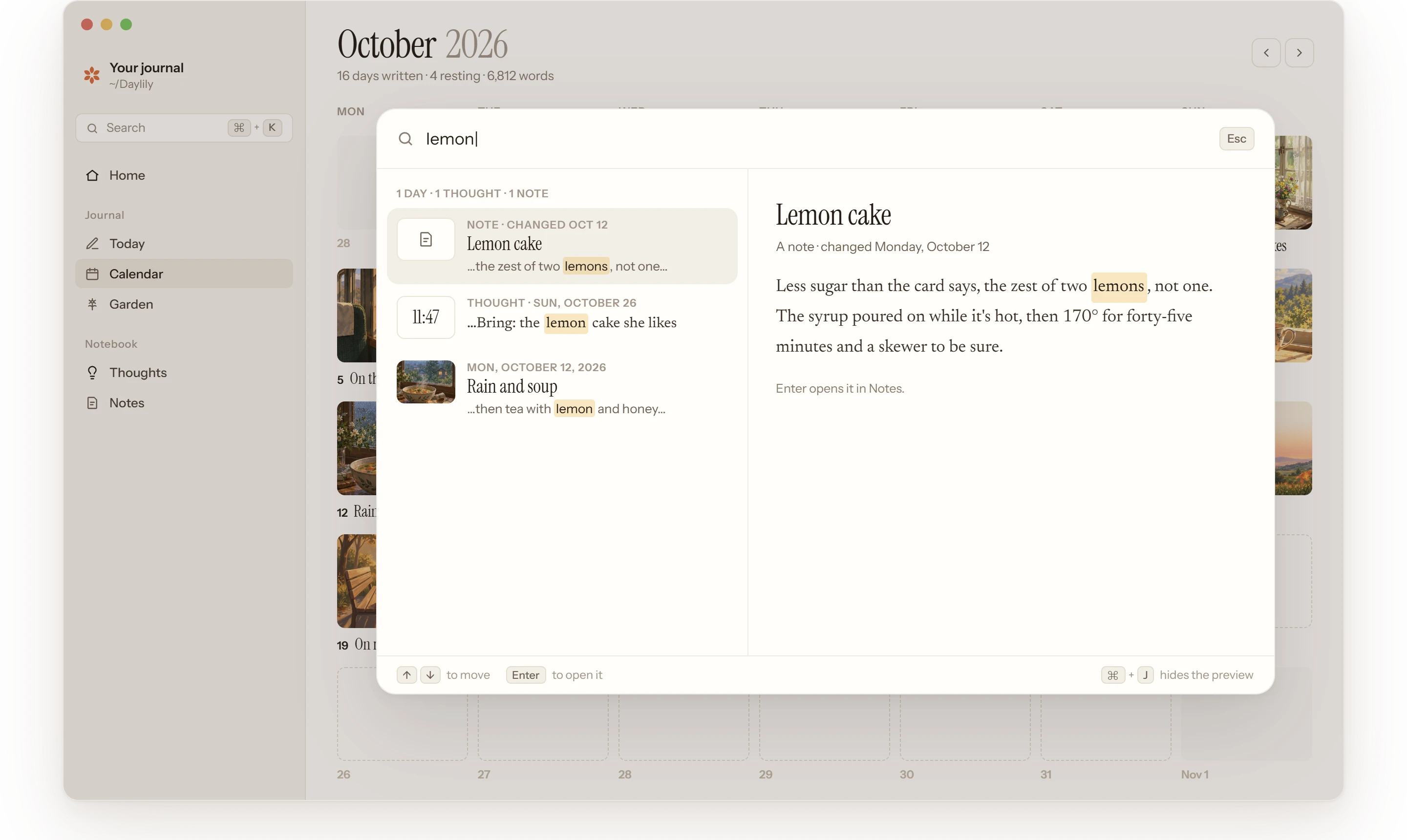
That café in Lisbon, what Sam said, the book you couldn’t put down. Press ⌘ + K and start typing: days, thoughts and notes come up in one list, best match first, all on your own computer.
How it works
Find it the way you remember it.
Search sits at the top of the sidebar, and in Edit › Search. It looks through every page, thought and note you’ve kept, as far back as they go.
 01
01Two keys, from anywhere.
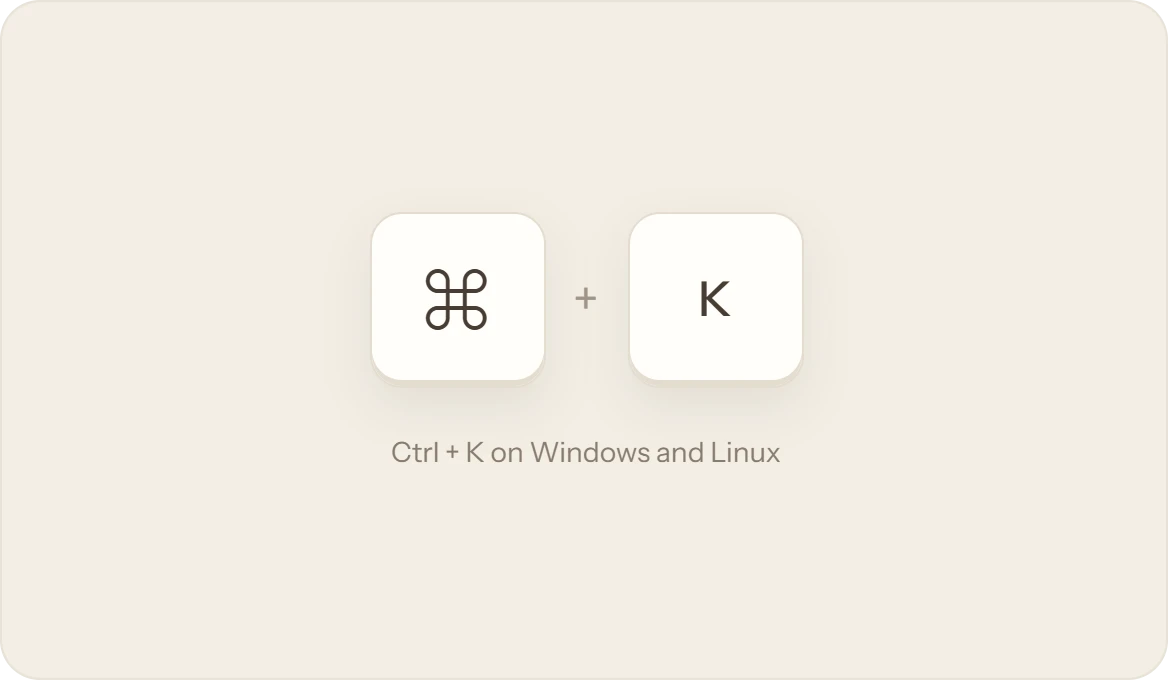
Press ⌘ + K, or Ctrl + K on Windows and Linux, on any screen, even mid-sentence. Or click Search at the top of the sidebar. Esc puts it away.
 02
02One list, best match first.
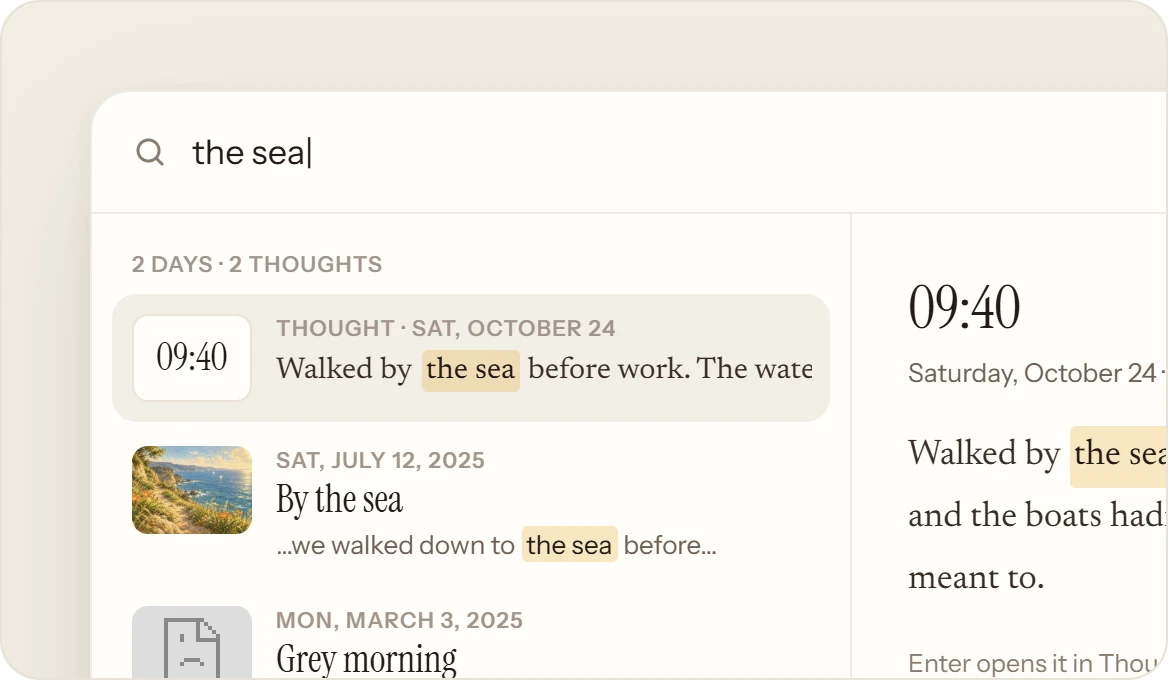
Days, thoughts and notes come up together as you type, and the one you’ve chosen opens beside the list. A word in a title ranks above one in the page. ⌘ + J hides the preview.
 03
03Forgiving, like a friend.
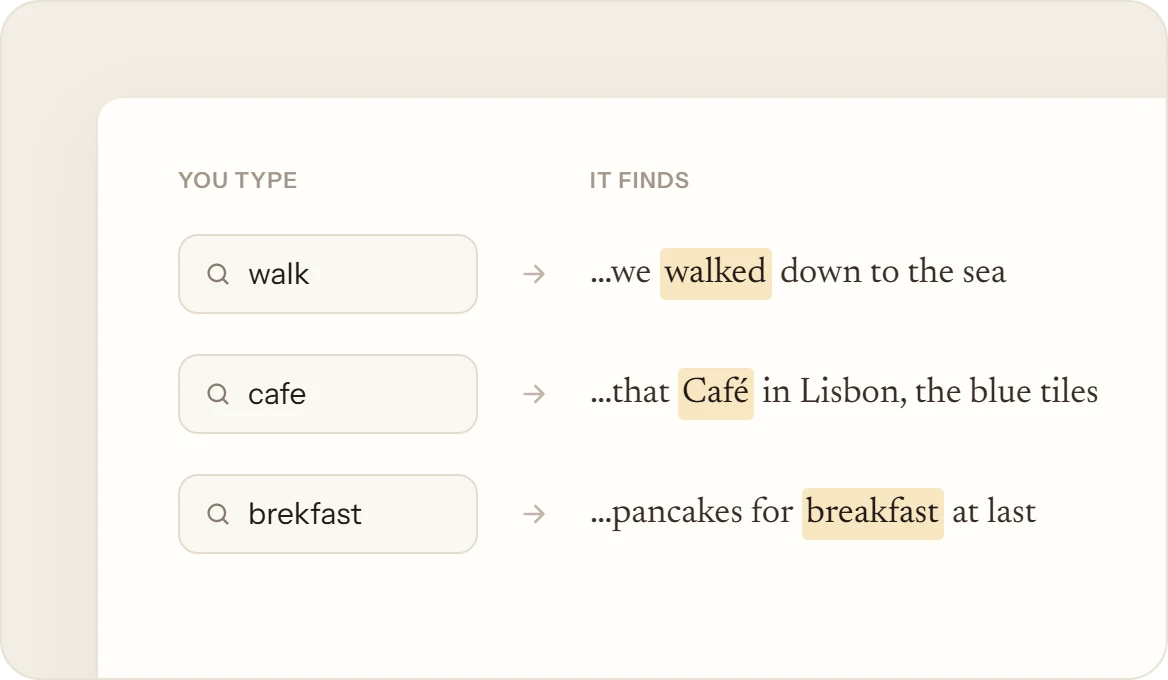
“Walk” finds walked and walking. Accents and capitals don’t matter, so cafe finds Café. Get a letter wrong in a longer word and it still finds what you meant.
 04
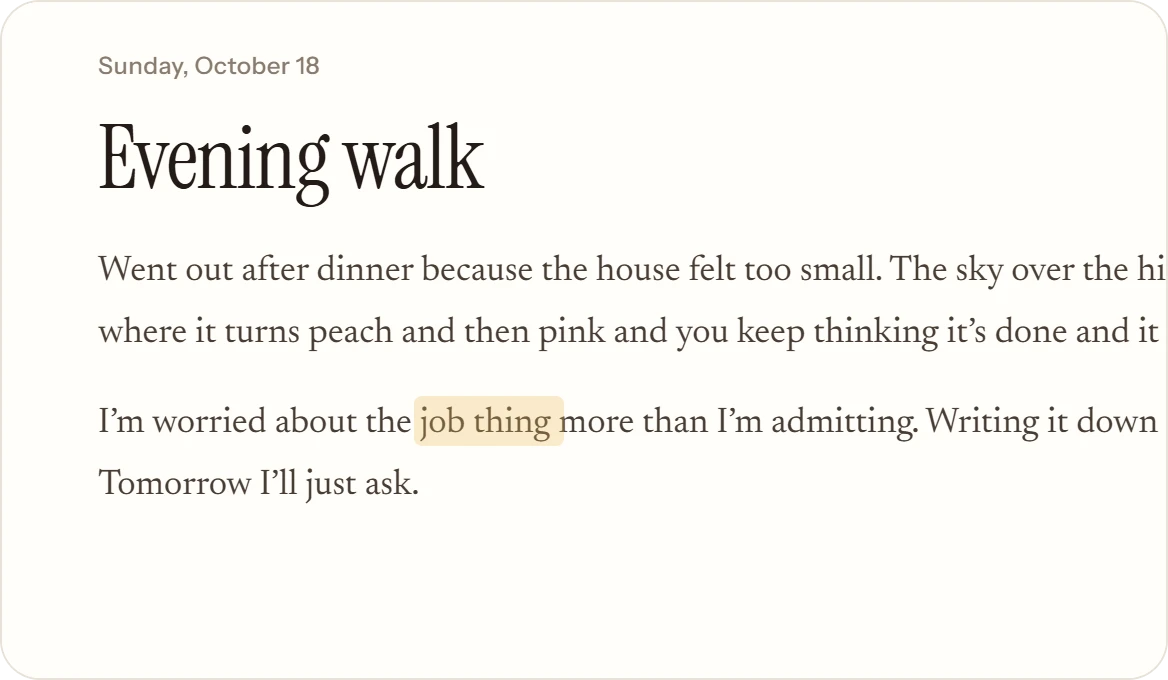
04Opened at the words.
Enter opens the day, thought or note right where the words are. They glow for a moment, then fade, and you’re reading.
What it isn’t
Kept to yourself.
Search reads the journal folder on your own computer. It works offline, and what you look for stays between you and your pages.
- Sent anywhere. It all happens on your computer, even offline.
- Ads, trends or suggestions. It shows what you wrote, and nothing else.
- An AI answering for you. It finds your own words and leaves them as they are.