Features/In the evening
One page a day.
In your own words.
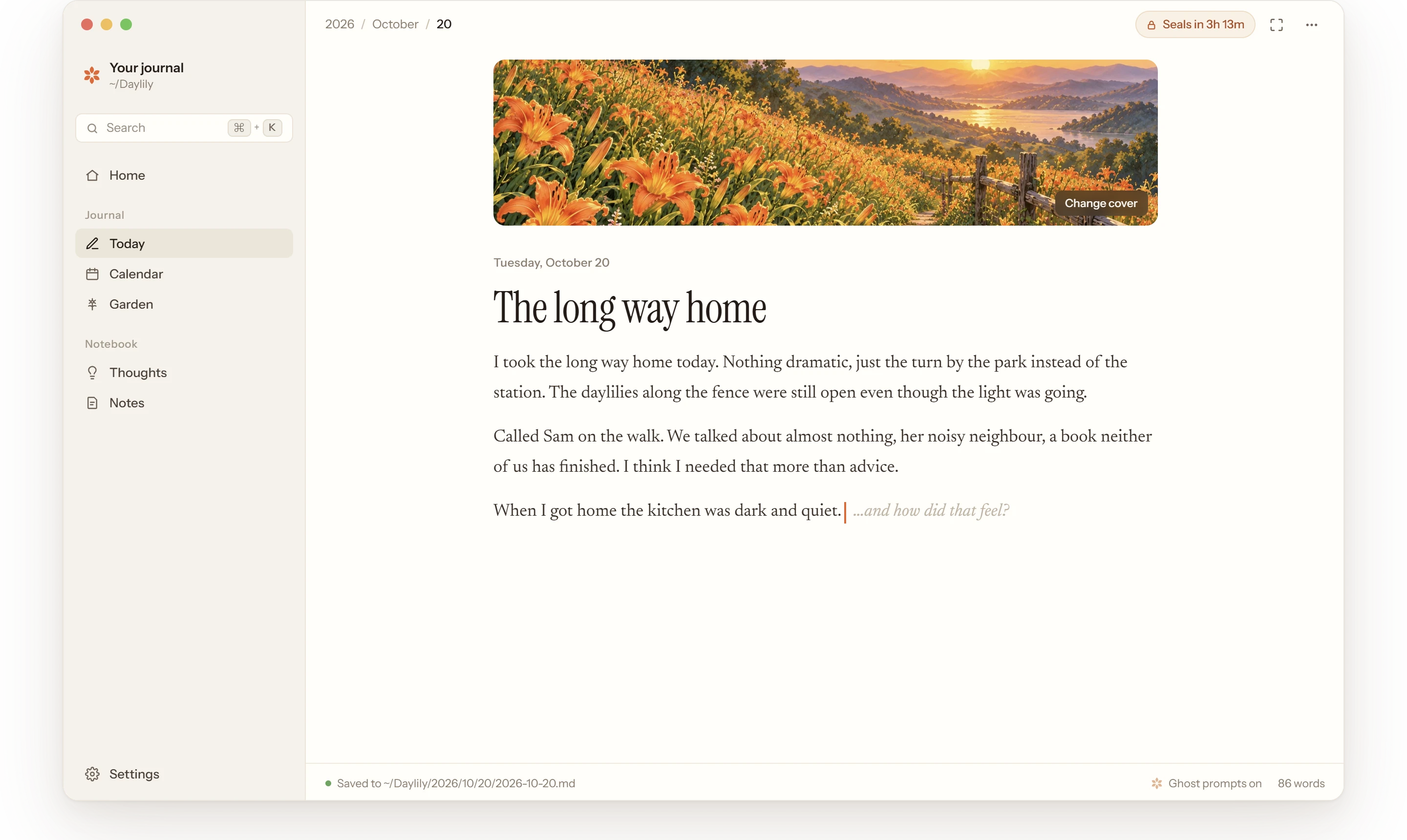
Every evening Daylily opens on today’s page and asks how your day was. Give it a title and a cover, write what happened and how it felt, and it saves as you go. At 4am the page seals as you wrote it, like ink.
How it works
Write today. Read the rest.
Today sits at the top of the sidebar’s Journal: the only page you can write. Pause, and a quiet question may fade in. That’s ghost prompts, next.
 01
01It asks how your day was.
Open Today and the cursor is already waiting under “How was your day?”. Give the day a title and write, with lists, quotes and images pasted or dropped in. Every change is saved half a second later.
 02
02One cover for the day.
Pick a painting from Daylily’s gallery, or a photo of your own. The cover is how the day shows in your calendar, and it gives the day’s flower its colour.
 03
03Sealed at 4am, like ink.
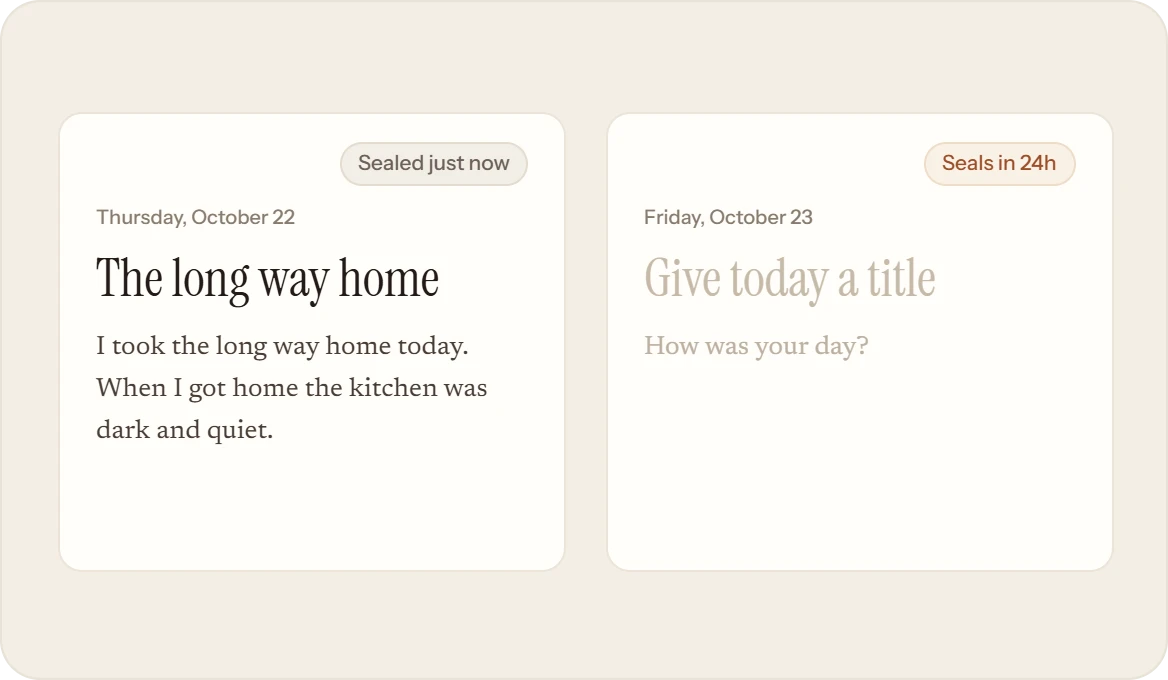
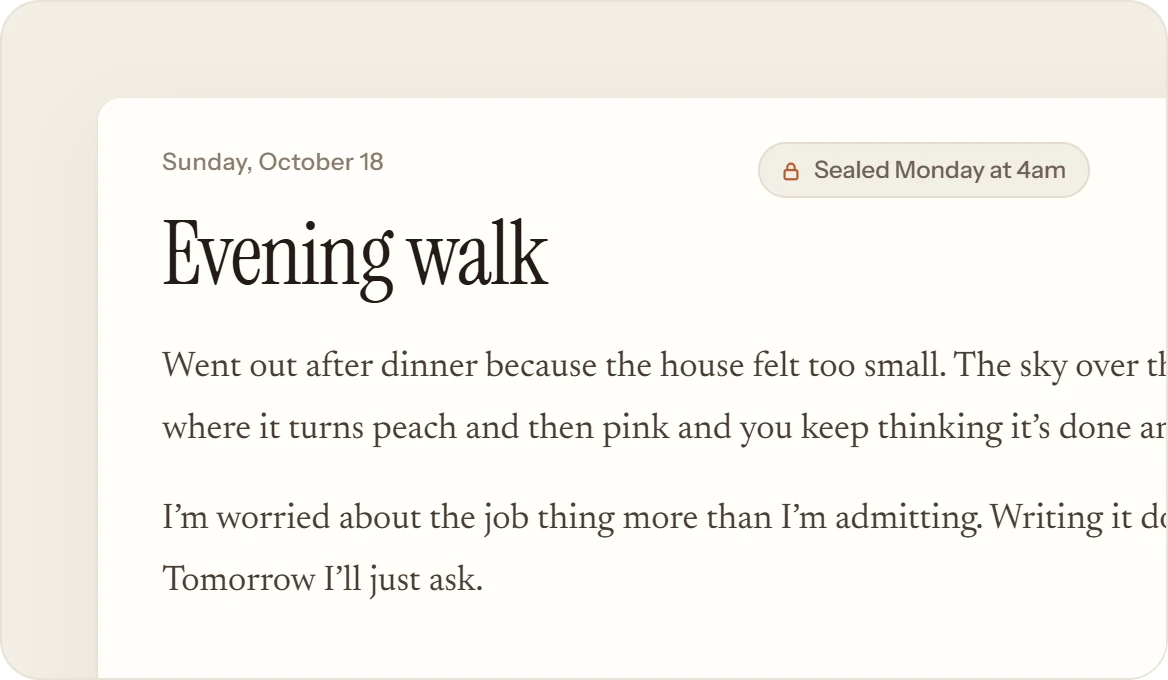
A day runs from 4am to 4am, so writing at 1am still counts as today. Then the page seals as you wrote it and a fresh one opens. A day sealed without a cover gets one from the gallery.
 04
04Past days, kept to read.
Open any day from the calendar, the garden or Home, and step through them with ‹ › or the arrow keys. A missed day is bare soil, never a reproach. A day changed in another app says so, quietly.
What it isn’t
Not a ghostwriter.
Daylily is there to draw your words out, never to put words in. Broken grammar and unfinished thoughts count, because they’re true.
- AI that writes, rewrites or fixes your grammar. Every word is yours.
- Streaks or guilt. Miss a week and the door is still open.
- Going back to rewrite yesterday. Once sealed, a day stays as you wrote it.