Features/Over the years
Write a day.
Grow a garden.
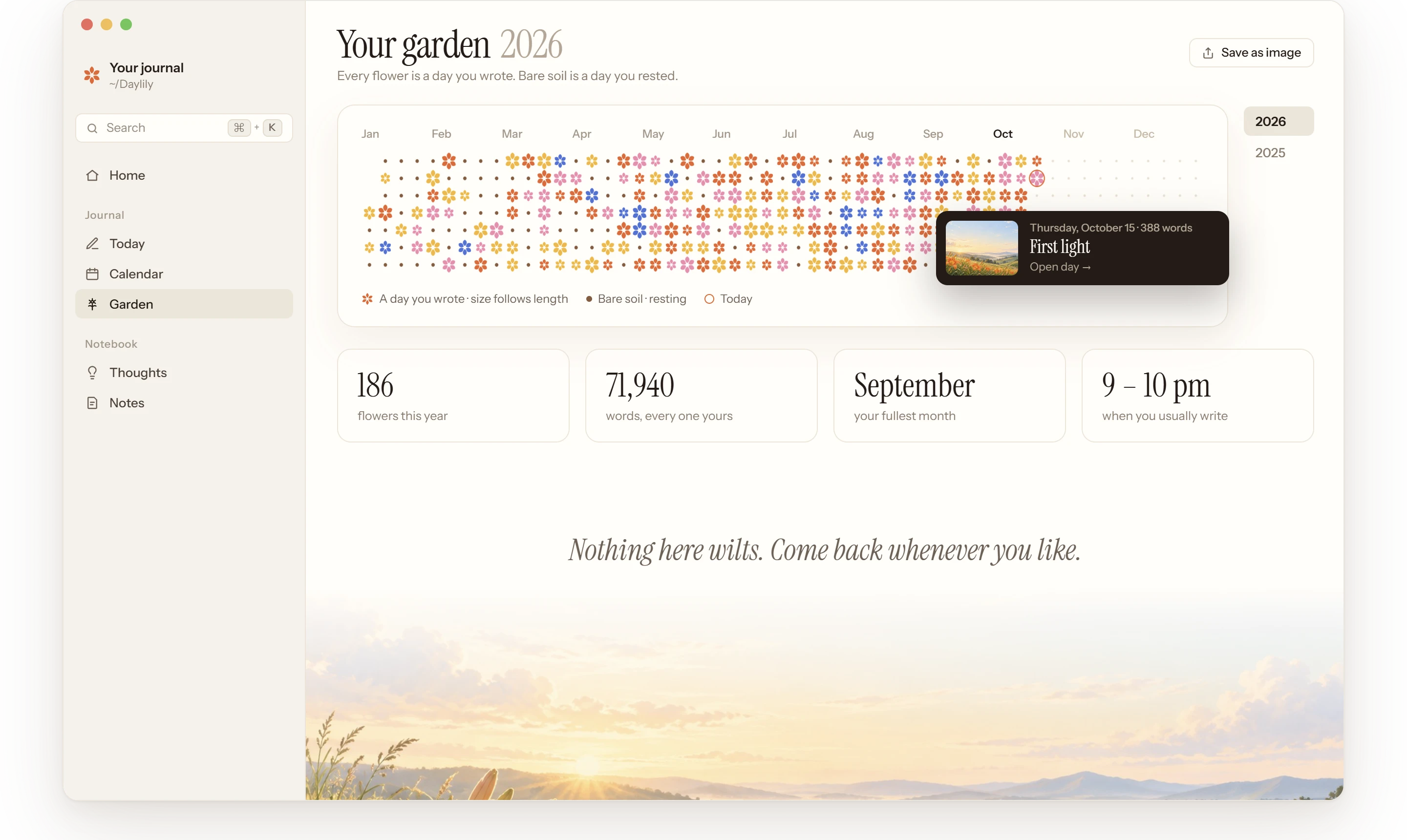
Every page you write plants a flower: bigger when you wrote more, coloured by the day’s cover. A day you skip is bare soil. Months later the garden is a picture of your year, and the calendar keeps every day’s cover and title, like a photo album.
How it works
A year, one flower at a time.
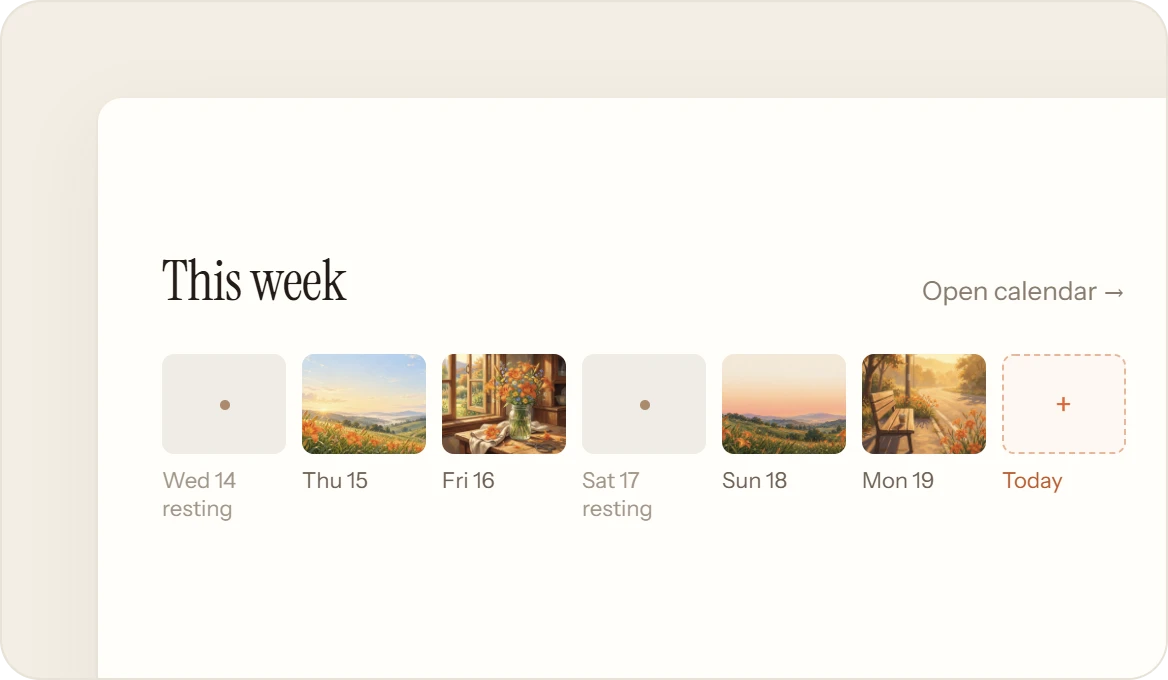
One year at a time, with the years you wrote beside it, like a GitHub profile. Garden and Calendar sit in the sidebar’s Journal, and Home shows this week.
 01
01One page, one flower.
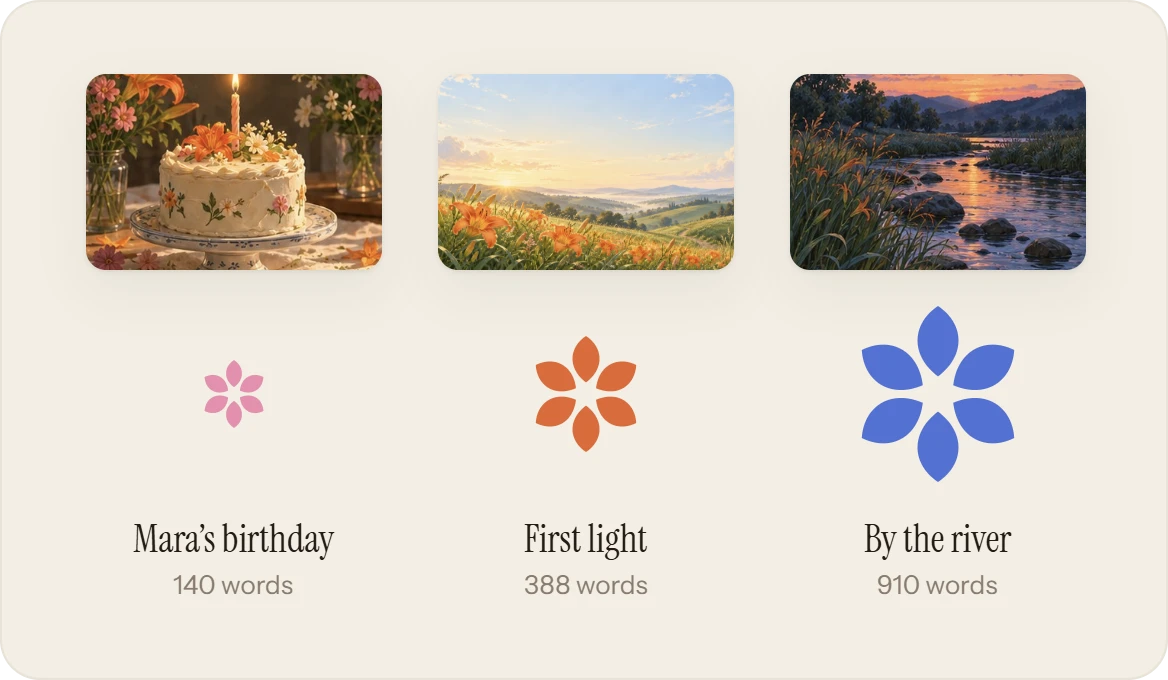
Write today’s page and a flower opens in the garden. The more you wrote, the bigger it grows, and its colour comes from the day’s cover. Thoughts alone grow none: the page is what counts.
 02
02A month of covers.
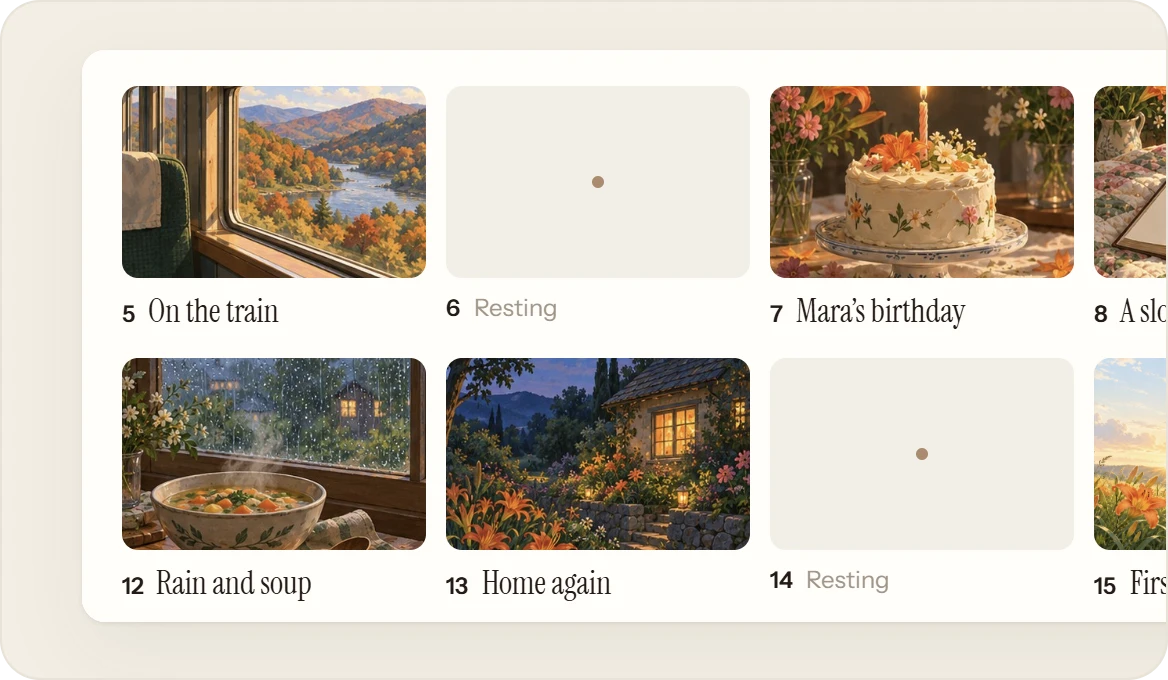
The calendar shows a month at a time, each day with its cover and title, so looking back feels like a photo album. Move with the arrows, and click any day to read it as it was sealed.
 03
03Bare soil, never wilting.
A day you didn’t write is bare soil, marked resting. Days before your first page aren’t missed at all, just plain ground. Come back after a week or a year and the next flower opens the same.
 04
04A card, if you want one.
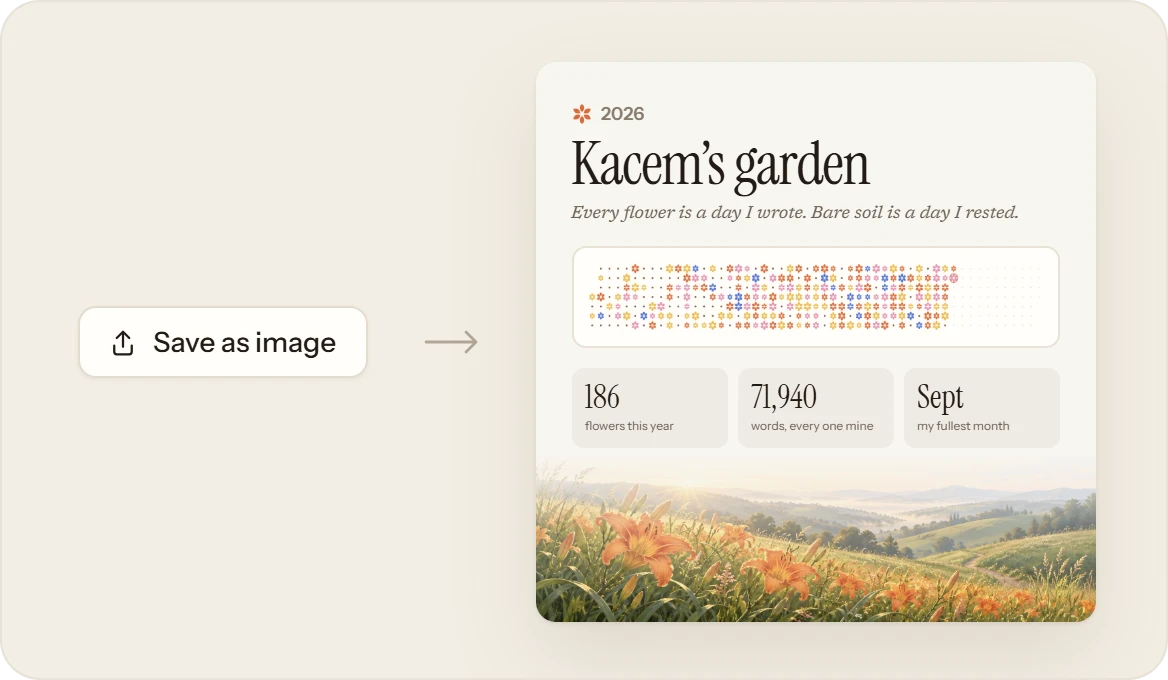
Save as image makes a square card of your year: your name, its flowers, three numbers and the meadow. It’s saved to your computer and goes nowhere unless you send it.
What it isn’t
Not a score to keep.
The garden is a picture of the days you wrote, not a target. Write when you want to; it waits for you.
- Streaks, or a count of the days you missed.
- Wilting. A missed day is bare soil, and the door stays open.
- A public profile. The card is an image you save, and send only if you like.